
3D Deliverables
Scan-to-BIM, native in Revit.
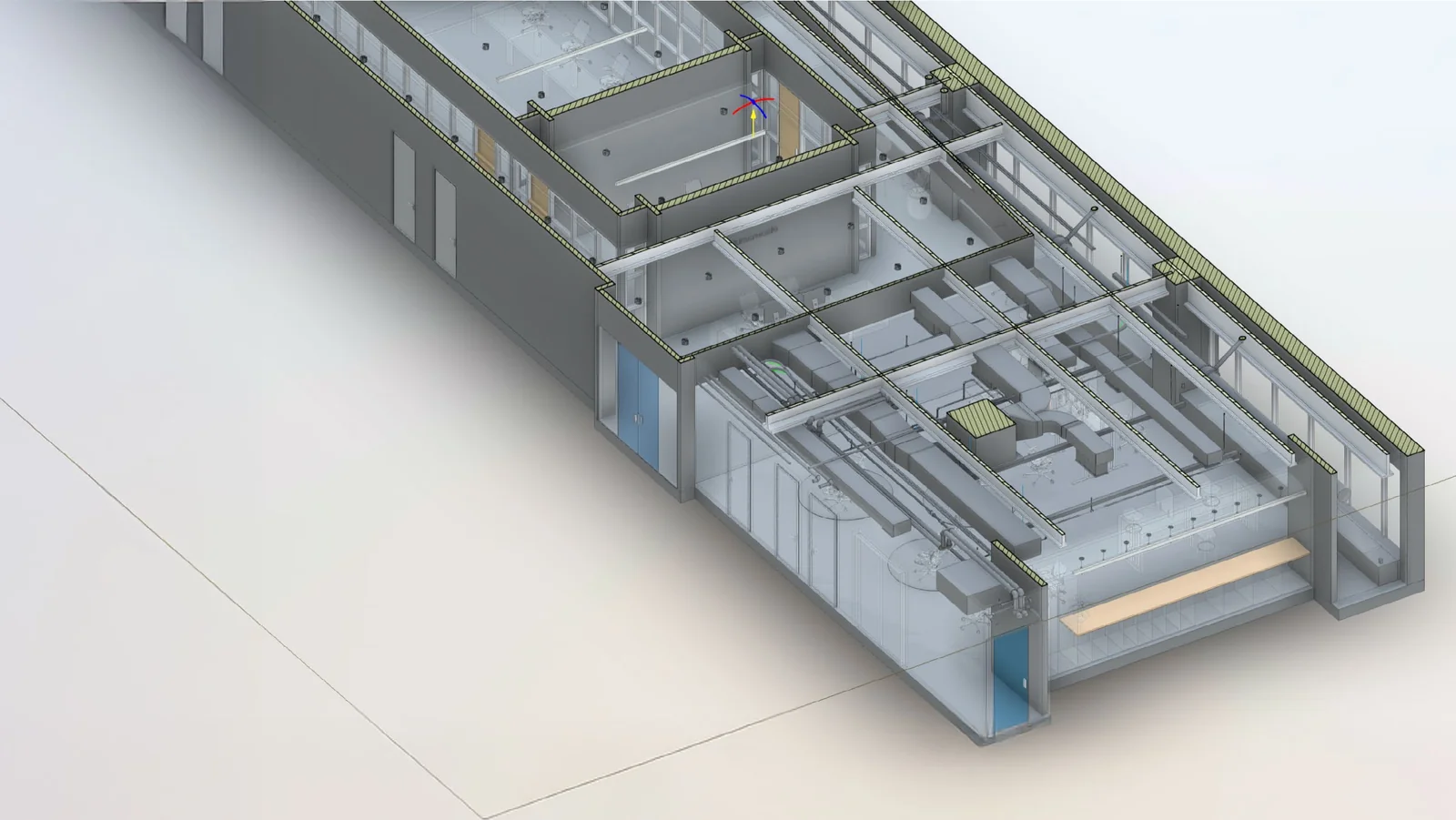
Existing-conditions Revit models built from registered LiDAR point clouds. Architectural, structural, and visible MEP, modeled to a defined LOD, delivered with the source point cloud linked, ready to drop into your central file.
The Workflow
From point cloud to live BIM.
The scan registers into a single coordinated point cloud. From there, modelers trace the cloud inside Revit, walls, floors, openings, structure, visible MEP, using the cloud as the dimensional source of truth. Every element is placed against measured points, not estimated.
The level of detail is set at the start of the project. LOD 200 for early-phase planning, LOD 300 for design-ready existing conditions, LOD 350 when coordination matters. Higher LOD takes more time; pushing every element to LOD 400 rarely makes sense, so we scope it selectively.
The deliverable is a native Revit central file, your team opens it, links it, and starts designing against verified existing conditions instead of inherited drawings that may or may not match what's actually built.
Level of Detail
Pick the LOD that fits the phase.
LOD is the dial that controls cost, schedule, and downstream usefulness. We'll recommend a LOD on the first call based on what you're designing.
-
LOD 200
Schematic existing conditions
Approximate geometry sufficient for early planning, feasibility, and schematic design. Walls at nominal thickness, generic doors and windows, structure shown but not field-verified.
-
LOD 300
Design-ready as-built
Modeled to scan accuracy with specific element types, sized openings, and verified locations. The default LOD for renovation, addition, and historic-preservation design work.
-
LOD 350
Coordination-ready
Modeled with the interfaces between disciplines defined, penetrations, hangers, supports. The right LOD when MEP coordination or fabrication is part of the project.
-
LOD 400
Fabrication-ready (selective)
Element-level detail sufficient for shop drawings or fabrication. Typically scoped to specific assemblies rather than whole-building, because the cost-to-value curve flattens fast.
Deliverables
What you actually get with BIM modeling.
-
Architectural BIM model
Walls, floors, roofs, ceilings, doors, windows, stairs, and railings modeled as native Revit families to the LOD agreed for the project. Geometry derived directly from the registered point cloud.
-
Structural BIM (where visible)
Beams, columns, slabs, and exposed framing modeled where the scan resolves them. Hidden structure marked for field verification rather than modeled by guess.
-
MEP existing conditions
Visible mechanical equipment, exposed ductwork, sprinkler mains, conduit runs, electrical panels, and plumbing fixtures modeled so MEP engineers start from a real spatial baseline.
-
Site context (optional)
Topography and adjacent structures modeled into the Revit file from scanned site captures, useful for renovation, additions, and zoning studies.
-
Linked point cloud
The .rcp point cloud delivered alongside the model and linked into the central file, so your team can verify any element against the source scan inside Revit.
-
Shared coordinates set
Project base point and survey point established to your team's project coordinate system. Drops cleanly into a multi-discipline central file with consultants linked.
Matterport for AEC
 Service Partner
The partner platform for design and build teams.
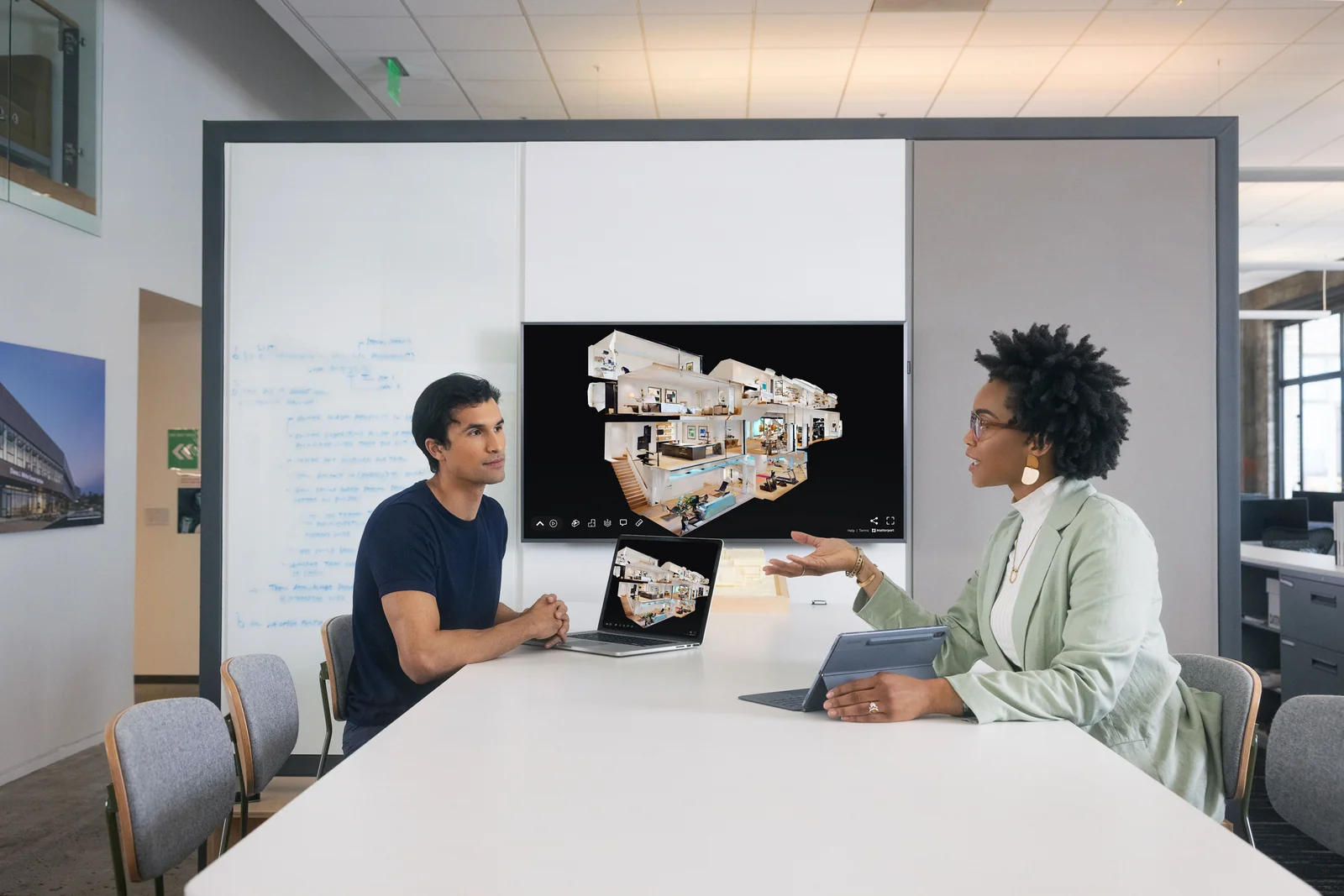
As a Matterport Service Partner, our scan-to-BIM workflow runs on Matterport's AEC stack, the same platform standardized by firms like Perkins&Will and Gilbane, per Matterport's published partner case studies.
Matterport reports AEC clients seeing meaningful workflow gains when scan capture replaces traditional measured-survey methods. We bring that platform to Northern Arizona projects.
-
70%+
Reduction in BIM modeling costs when starting from scan capture, per Matterport's published AEC benchmarks.
-
50%
Decrease in travel and physical site visits across the project lifecycle, per Matterport AEC partner reporting.
-
20B+
Square feet of facilities and spaces captured on the Matterport platform since 2011, by Matterport's count.
-
Stage 01
Documentation
Complete, dimensionally accurate as-built capture at a fraction of the time of traditional measured-survey methods.
-
Stage 02
Construction progress
Weekly or milestone scans keep every stakeholder current on site conditions, no need to fly the team in.
-
Stage 03
Safety & compliance
Remote inspection of jobsite conditions, OSHA-relevant documentation, and a permanent record of compliance posture.
-
Stage 04
Project turnover
Owners take possession with a full digital twin of the completed project for facilities management going forward.
Statistics, four-stage framework, and partner case-study references on this section are drawn from Matterport-published AEC partner collateral.
Often paired
Goes with the rest of the LiDAR stack.
-
2D drawings
As-built drawings
Plans, elevations, sections, and RCPs drafted from the same scan.
-
Raw data
Point cloud deliverables
Registered point clouds in .rcp, .e57, or .las for engineers and surveyors.
-
Heritage
Historic preservation
Measured records of Victorian and landmark buildings for restoration and grant work.
Common questions
BIM modeling, answered.
-
What Revit version do you deliver in?
Whatever version your office is on. We typically deliver in the current release and the version prior. If you need to open in an older version (Revit doesn't backsave), we can deliver an IFC export alongside the native model. -
Do you handle the families or do we?
We model with standard Revit families and your office-standard family library if you send it. Custom families (a specific manufacturer's window or fixture) get modeled when the project budget covers the additional time. We're explicit about which families are generic vs. specific so you can swap them in the design phase. -
How accurate is a scan-to-BIM model?
Modeling accuracy is bounded by both the scan and the LOD. The scan itself is typically centimeter-grade, about ±3/4" (±20mm) on enclosed interior surfaces. The model represents geometry to scan accuracy at LOD 300 or higher. Below that, at LOD 200, geometry is intentionally generic (a wall is a wall, not a precise thickness) and accuracy claims don't apply. -
Can you model hidden conditions we can't see?
No, and we won't pretend to. Hidden framing, in-wall MEP, and concealed structure get modeled as field-verification placeholders so the design team knows what's assumed and what's measured. Selective demo or destructive investigation is a separate conversation. -
Can we get 2D drawings out of the BIM model?
Yes. If you want both, ordering them together off a single scan is cheaper than two separate engagements. The 2D set can be plotted directly from the model views, or drafted independently from the same point cloud, depending on whether your downstream workflow is BIM-first or CAD-first.
Get started
Need existing-conditions BIM? Send the scope.
A 15-minute call covers building size, LOD target, MEP scope, and Revit version. Estimate back within 24 hours.