
For Architects
Design against the building as it actually stands.
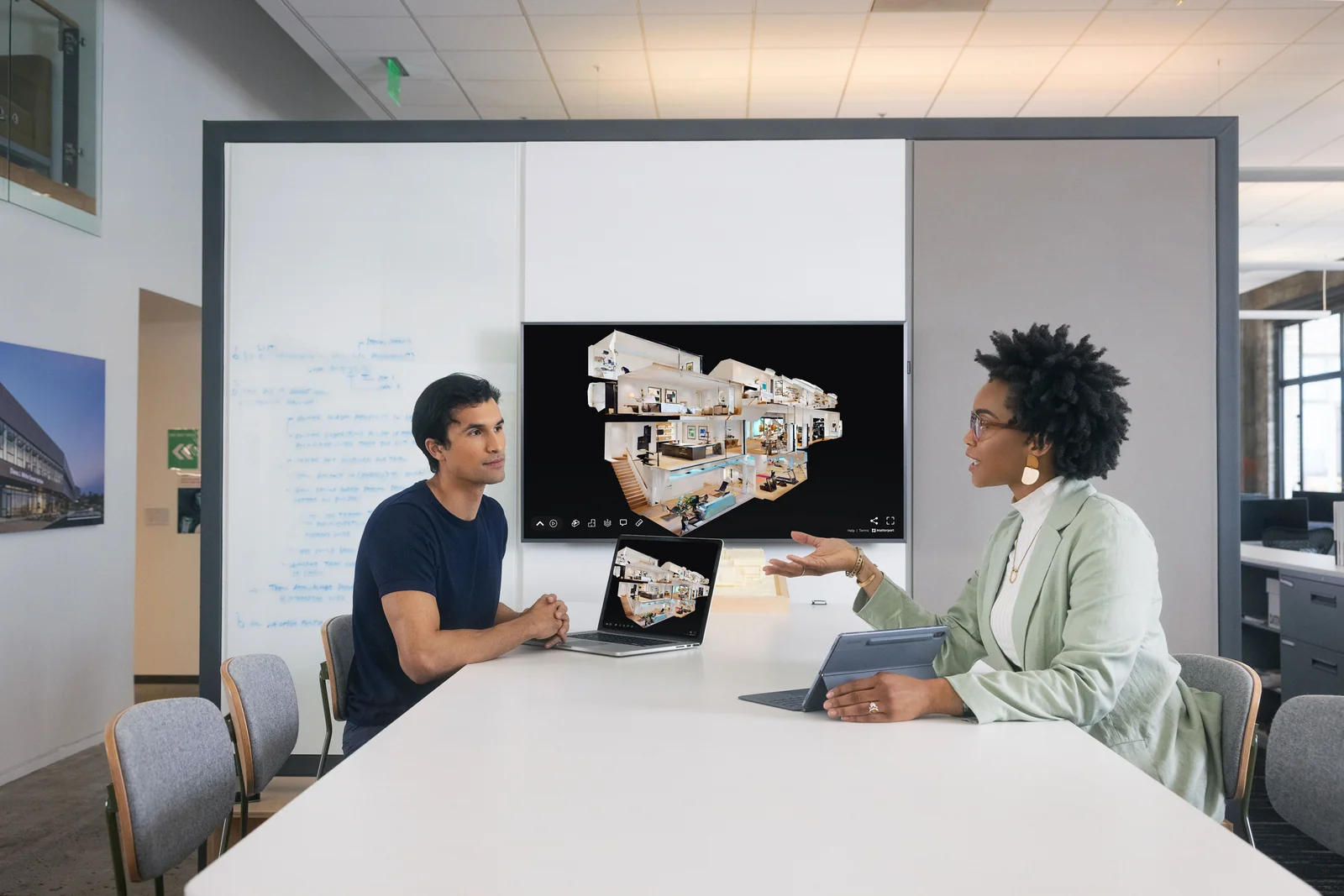
Before you design a renovation, adaptive reuse, or addition, you need to know what is really there. One scan visit gives your team a 3D twin, a Revit-ready point cloud, and measurable floor plans, so the existing conditions stop being a guess and a stack of field trips.
Why it matters
The old drawings are always wrong.
On an existing building, the record set almost never matches what is standing. Walls moved, tenants carved up the space, and the last accurate plan is decades old or gone. Designing off it means field-verifying everything twice and eating the change when the framing is not where the drawing said.
A scan replaces the guesswork with a measured record. You design against the real geometry from the first sketch, catch the conflicts before they are drawn, and send fewer people back to site to answer a dimension question. The scan is the single source of truth the whole team works from.
How it works
One visit, then it lives in your browser.
-
01
You send the scope
The building, the access constraints, and what you are designing. Renovation, adaptive reuse, addition, or a tenant fit-out. I pull the plan for the visit.
-
02
One scan visit
I capture the space with the Matterport Pro3, interiors and reachable exterior context, in a single visit. Most single floors take 2 to 4 hours, occupied buildings scanned around your schedule.
-
03
You design against the twin
Within days you have a navigable 3D twin, a registered point cloud, and floor plans, all measurable in the browser by anyone on the team, no site visit and no software install.
Walk a real capture
An actual scan, live in your browser.
A real interior captured by Tex Kelly Productions on the Matterport Pro3. Navigate room-to-room, take measurements, switch to the dollhouse view, or open the floor plan, all from this browser tab.
Deliverables
What lands in your inbox.
-
Navigable 3D twin
The whole building as a walk-through model. Pull dimensions, drop notes, and share a link with consultants who never have to drive out.
-
Registered point cloud
E57 export that drops into Revit, AutoCAD, or Rhino as an underlay to design and model against.
-
Measurable floor plans
Schematic floor plans pulled from the scan, with as-built CAD drawings available when you need a drafted set.
-
Honest accuracy
Centimeter-grade capture, about ±20mm, the right grade for existing conditions and design coordination. Survey-grade scope handled through a survey partner when a project calls for it.
Common questions
Existing-conditions capture, answered.
-
How is this better than sending someone out with a tape measure?
A tape-and-clipboard survey captures the handful of dimensions someone thought to record, and every field question after that means another trip. A scan captures the entire space at once. When a design question comes up three weeks later, the answer is already in the model, measurable from your desk. It saves the redraw and the second visit. -
What format do I get for Revit or AutoCAD?
A registered E57 point cloud you bring in as a design underlay, plus schematic floor plans. If you want a drafted set, we deliver layered DWG as-built drawings, or coordinate a full scan-to-BIM Revit model. We scope the exact deliverable to your pipeline before the scan. -
How accurate is it, really?
The Matterport Pro3 captures at centimeter-grade, roughly ±20mm. That is the right accuracy for existing-conditions documentation, renovation and tenant-improvement design, and space planning. It is not survey-grade. When a project needs survey tolerances or geo-referenced control, we bring in a licensed survey partner and scope it up front. -
Can you scan an occupied building?
Yes, most jobs are exactly that. The scanner captures quickly and without tearing anything apart, so we schedule around occupancy: off-hours, a floor or zone at a time, or during a planned window. Tell us the access constraints and we build the capture plan around them.
Next in the workflow
Turn the scan into a deliverable.
-
2D CAD
As-built drawings
Layered DWG floor plans, elevations, and sections drafted from the scan.
-
3D Revit
Scan-to-BIM modeling
A native Revit model built from the same capture, via our modeling partner.
-
Scoping
Which scan do you need?
Matterport-grade vs. survey-grade, and how to tell which your project calls for.
Get started
Renovation or adaptive reuse on the board? Book a scan.
A 10-minute call covers the building, access, and the deliverable your team works in. Free scan walk-through, estimate back within 24 hours.